> ## Documentation Index
> Fetch the complete documentation index at: https://ionet-cca8037f-confidential-compute.mintlify.site/llms.txt
> Use this file to discover all available pages before exploring further.
# Unstake and Withdraw $IO
> This document explains how to unstake & withdraw $IO.
## Table of Contents
* [How to Unstake \$IO](/guides/staking/how-to-unstake#how-to-unstake-io)
* [Withdraw \$IO After Cooling Period](/guides/staking/how-to-unstake#withdraw-io-after-cooling-period)
### How to Unstake \$IO
You can unstake at any time. An Unstake option is available for every device you stake. Once you unstake, you are subject to a 14-day cooldown period before the stake can be withdrawn. If a stake is in cooldown period, it does't meet the staking requirement for Block Rewards.
Follow the instructions below to unstake \$IO:
1. Go to io.net > **IO Worker** > **Staking** tab.
2. Locate the stake that you want to unstake. Click **Unstake** under the **Action** column.
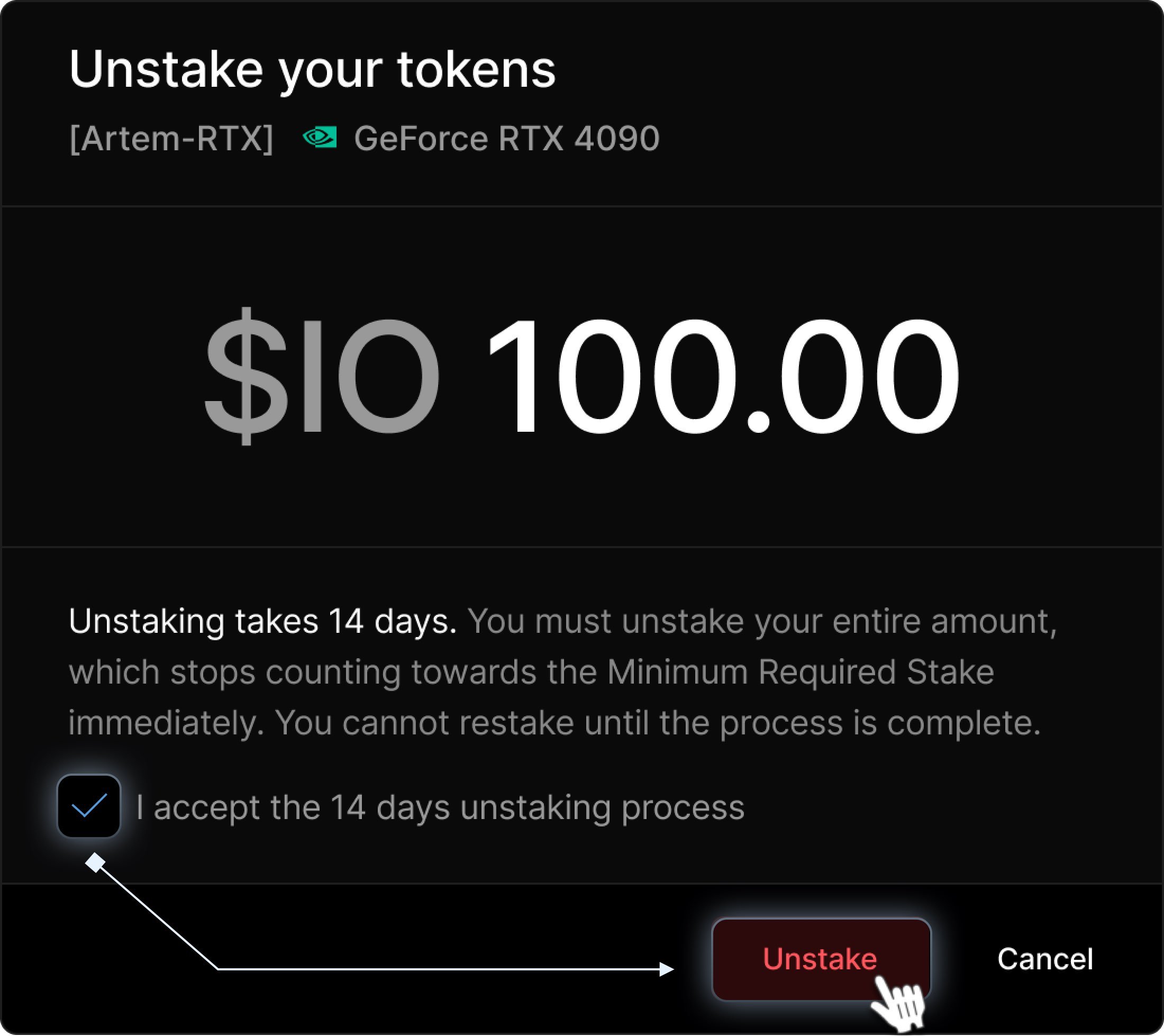
 3. A pop-up window appears, informing you that the entire amount must be unstaked & that it no longer counts toward the Minimum Required Stake for Block Rewards. Click the **Unstake** button.
Staking rewards are not automatically compounded.
3. A pop-up window appears, informing you that the entire amount must be unstaked & that it no longer counts toward the Minimum Required Stake for Block Rewards. Click the **Unstake** button.
Staking rewards are not automatically compounded.
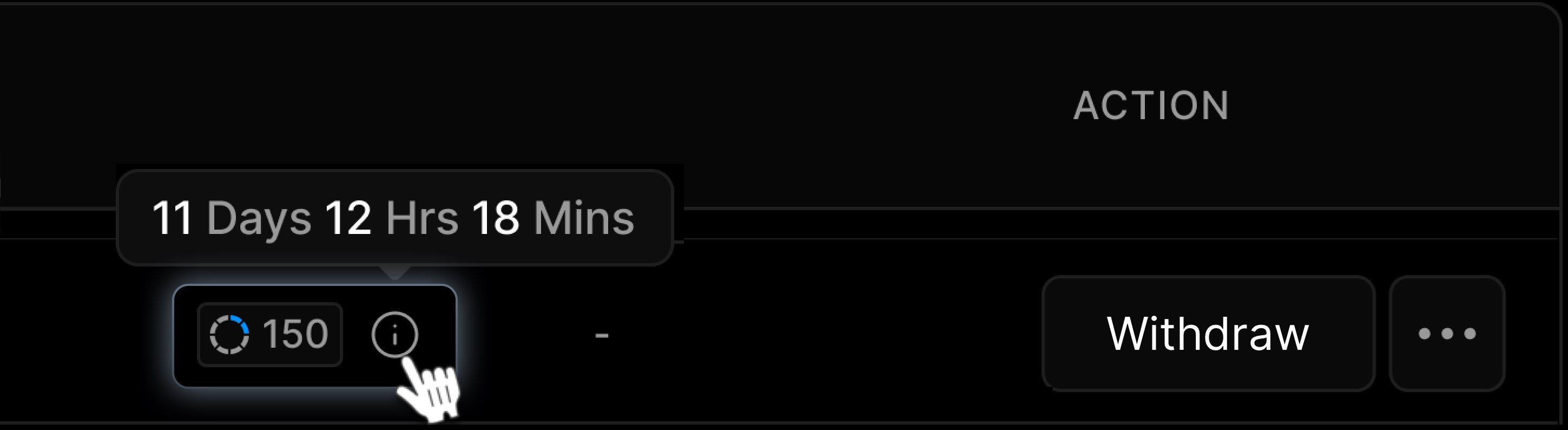
 4. After you **Unstake**, a timer appears next to the worker, counting down the 14-day cooldown period. You can't withdraw your funds until this period of time elapses.
 ### Withdraw \$IO After Cooling Period
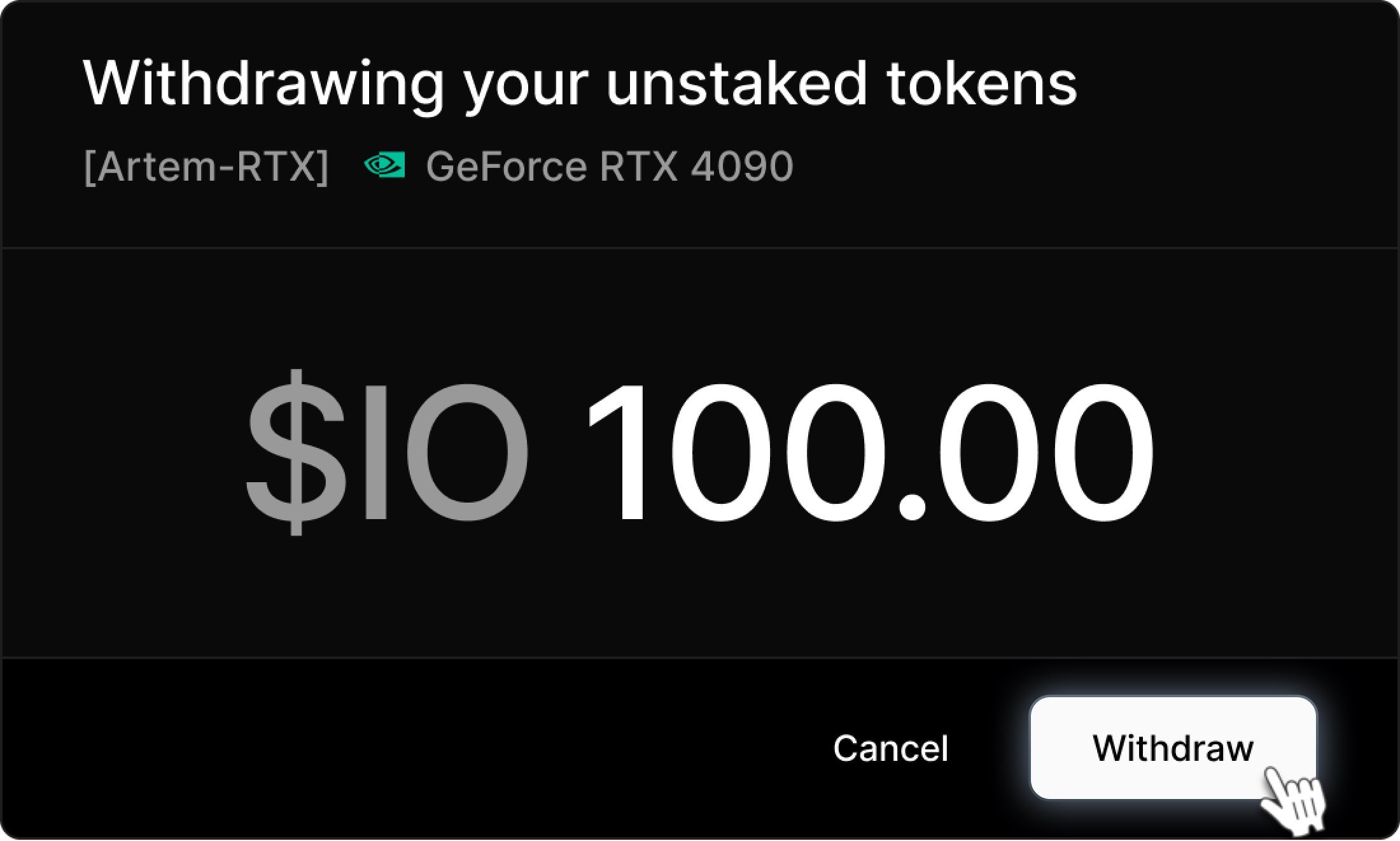
To withdraw funds after the cooldown period, go to the **Staking** tab and click the **Withdraw** button.
### Withdraw \$IO After Cooling Period
To withdraw funds after the cooldown period, go to the **Staking** tab and click the **Withdraw** button.

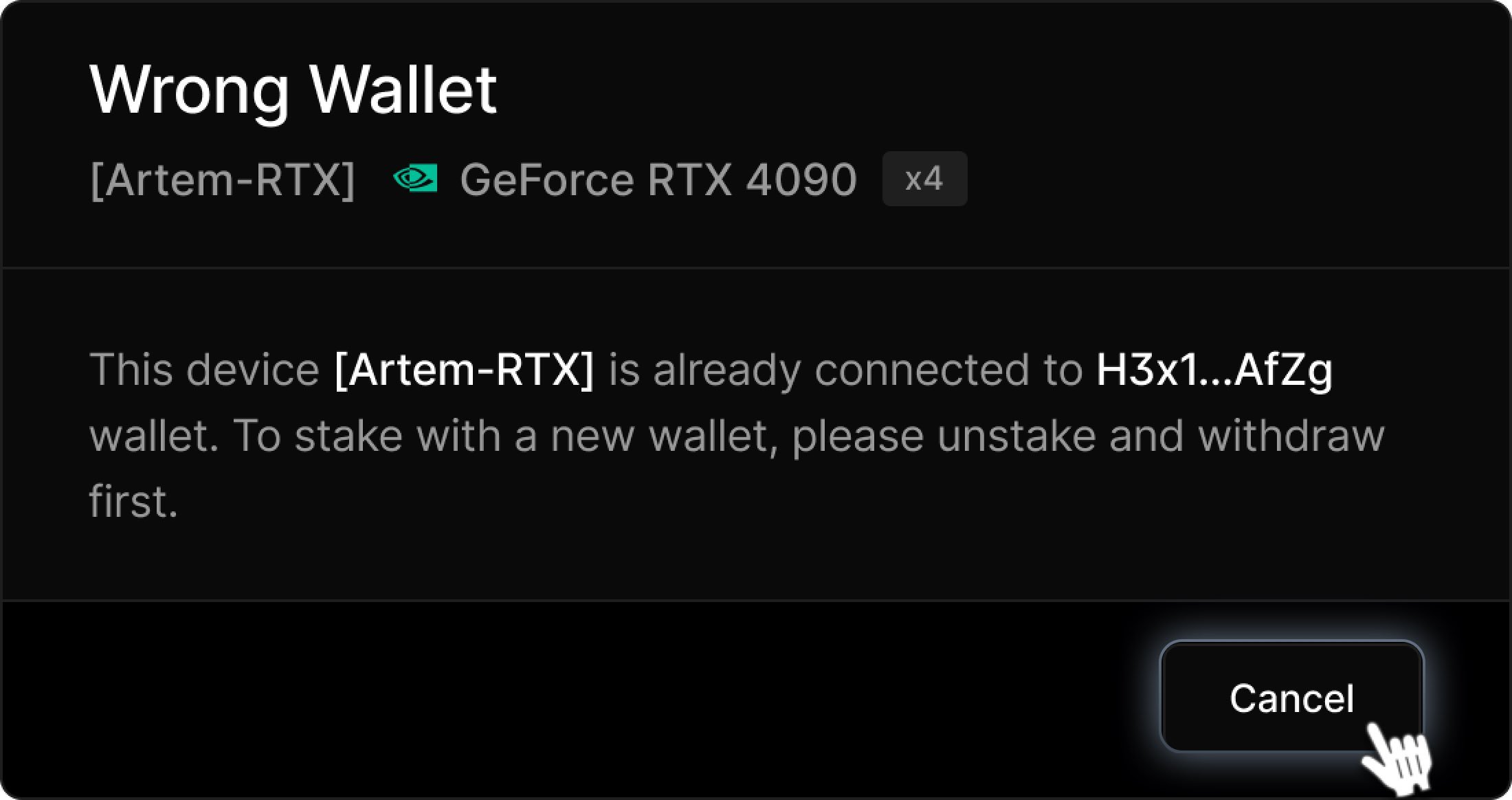
 You can only withdraw funds to the wallet used for the initial stake. If you attempt to withdraw to a different wallet, you will receive a warning message. To stake with a new wallet, please unstake and withdraw your funds first.
 If you use the same wallet, you're prompted to withdraw funds to it. When you click the **Withdraw** button, your wallet extension will open to **Confirm** the transaction.